
The OSSC Pro Legacy AV Expansion, now with RF
There is a major issue with video game consoles and even some computers prior to about, say, 1985 or so; nearly all of them lacked even composite video outputs and required RF. This is a huge pain; composite mods require effort and reverse-engineering, while RF demodulation usually relies on old machines as modern demodulators can be questionable at best. And now, finally, we have what promises to be an enthusiast-grade solution: the OSSC Pro Legacy AV expansion, now with RF input.
DISCLOSURE: I was given the expansion for free, though I did pay for the OSSC Pro myself (quite awhile ago, in fact). Therefore, you should take everything with a grain of salt: believe my factual conclusions, but question any of my subjective opinions.
The device
I didn’t get the prior Legacy AV expansion because I already had a Koryuu, which does a similar transcoding of composite and S-Video. That being said, the Legacy AV is a lot nicer than the Koryuu; it shares a power supply, and doesn’t take up your component inputs. (I had gotten the Koryuu for an original OSSC at first, which doesn’t have the expansion port)
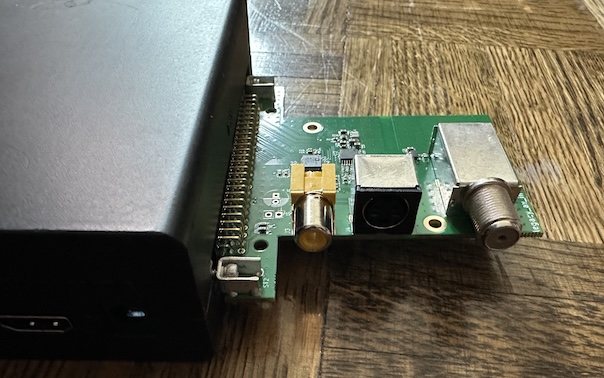
The Legacy AV has three inputs on the rear. (I would’ve preferred on the front, but I think for people who switch devices less than me this is probably better.) Composite, S-Video, and RF, here represented by the coaxial F-connector common in North America. Notice that I have an exposed PCB here with no case.
One downside of the Legacy AV connector is that it’s not actually a legacy AV connector at all; the audio goes through the existing inputs. That can be pretty annoying, but it does save complexity. In any case, after updating my OSSC Pro’s firmware, getting started with composite video is pretty easy
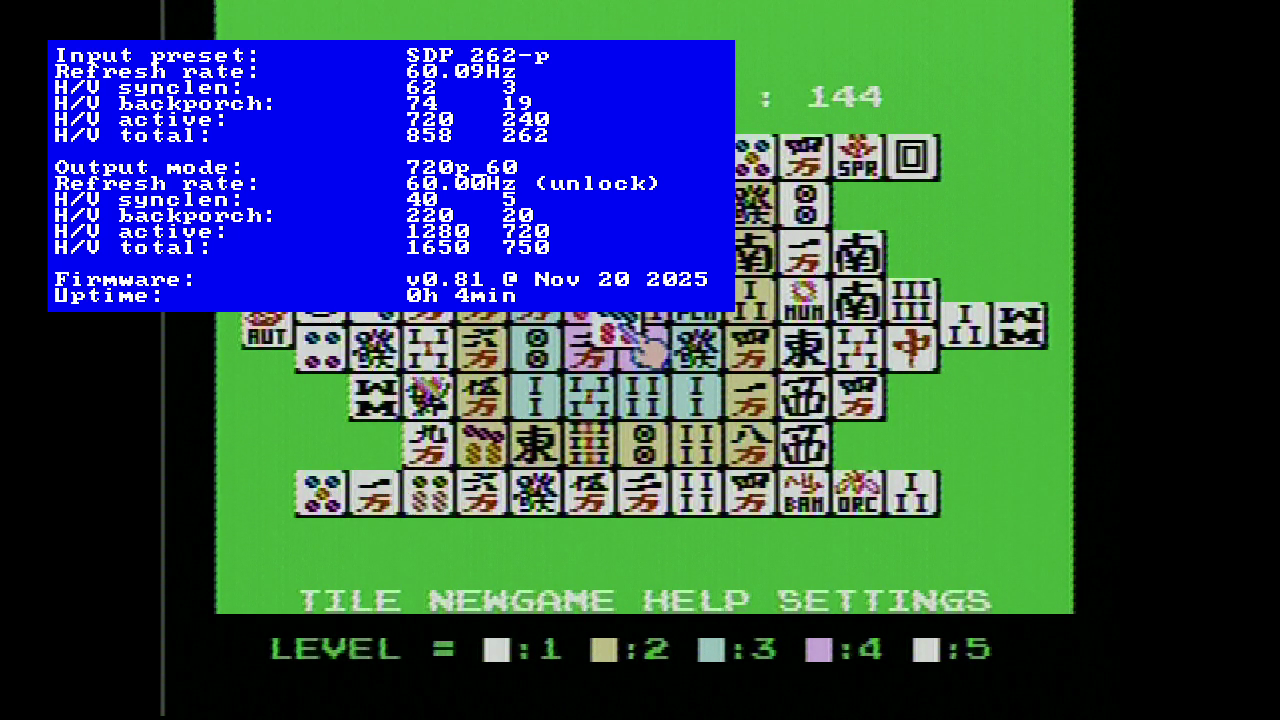
Oddly, in the default line-doubler mode, while my screen synced to the Famicom’s signal fine, I did need to switch to scaler mode to be able to capture the video with my external capture box. I didn’t need to do this for the Koryuu; odd, because this is just my usual Famicom; with some non-standard audio mods but a pretty normal video. By default, the signal has a bit less color vibrancy than composite video does on the Framemeister, but I assume adjusting the picture could help. There are a lot more options here than the Koryuu!
Have we played Atari today?
For a little more fun, and to start trying out the RF mode, I decided to break out the Atari 130XE. This machine has an interesting characteristic: it has composite, S-Video, and an RF modulator, built right in, all running at the same time. Plus, the RF is an RCA jack on the back, so I can bring my own cable. I was warned: cable quality here matters a lot. At least here, I can give it the most fighting chance.
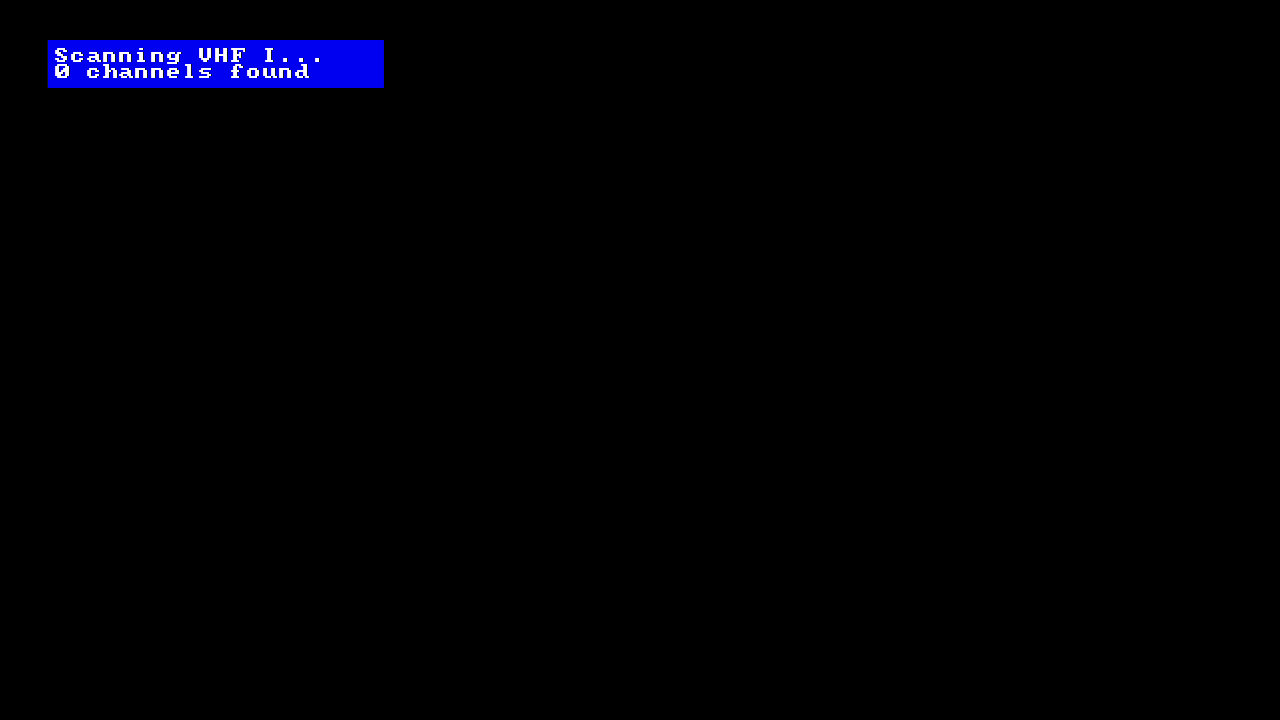
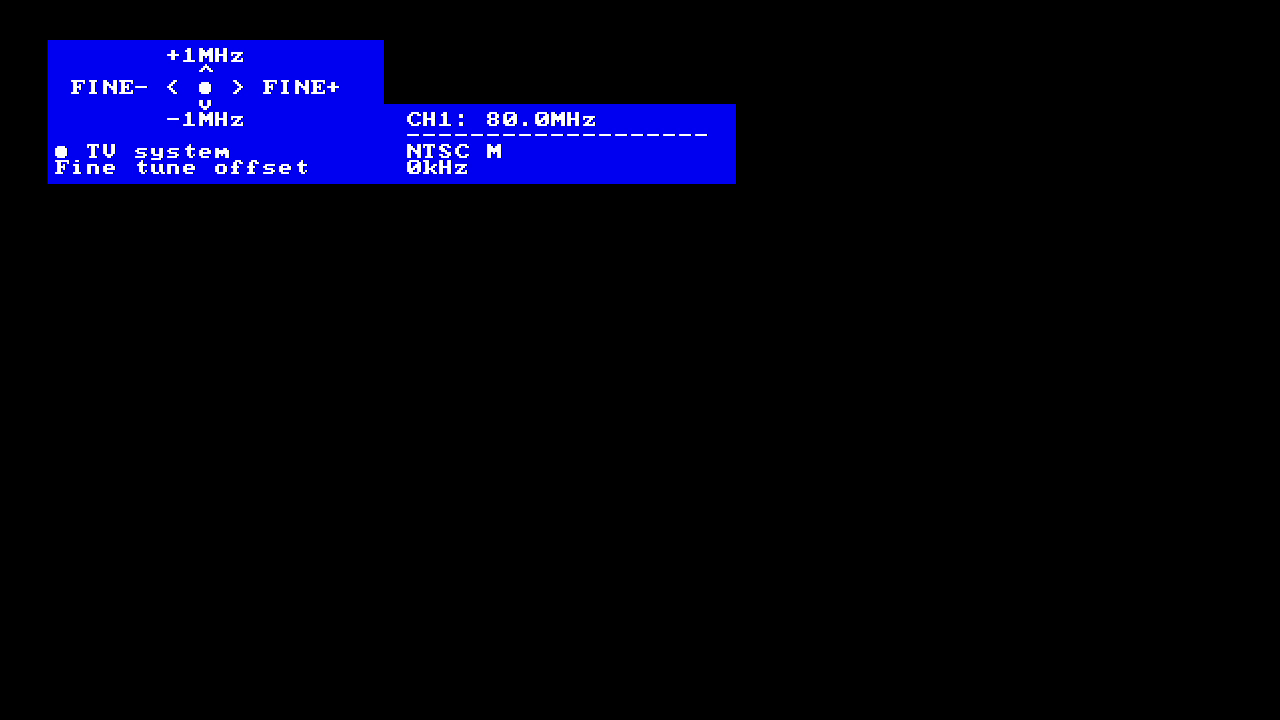
There are two ways to approach channels here. The first is to simply do an automatic scan. That’s probably the easiest for most people.
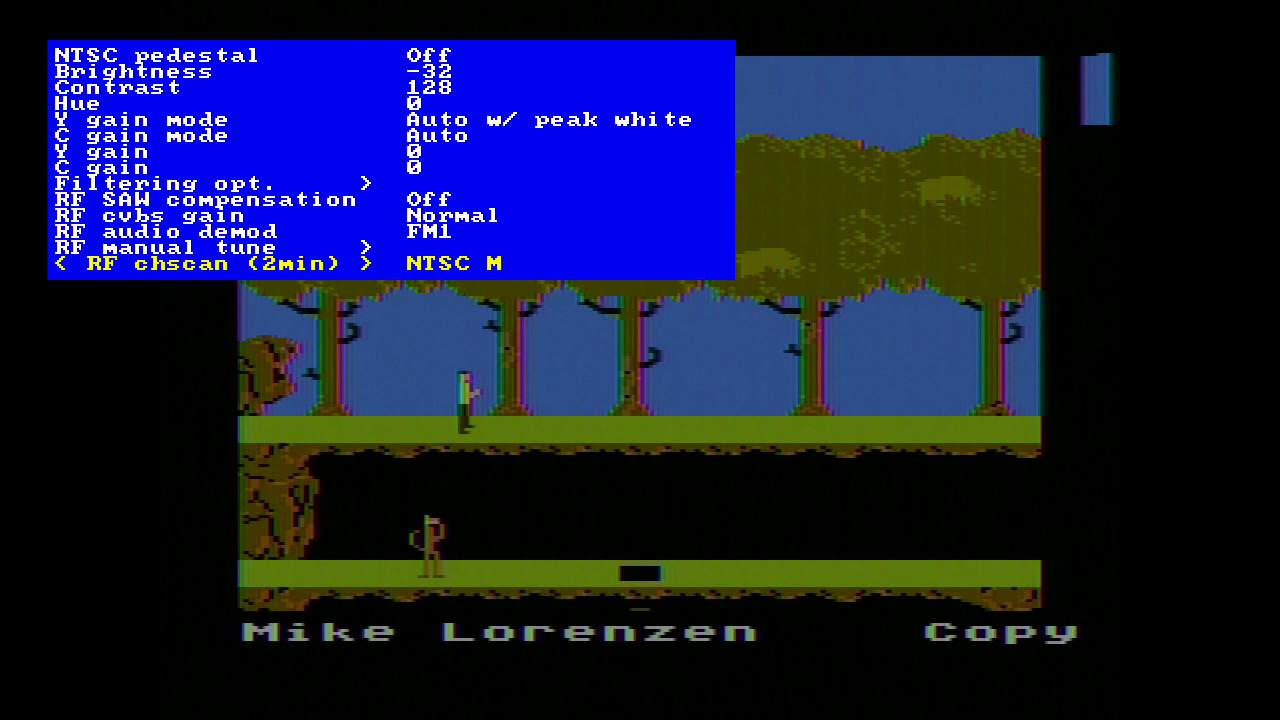
You can also tune into a particular frequency manually. For the Atari 130XE, the automatic was good enough, though.
For the Atari, Here’s me switching between modes while Pitfall II plays. It’s starting with RF.
Notice that the high-frequency noise is gone on RF, but shows as vertical lines on the other modes. This is a characteristic of the modulation and demodulation; it’s pretty much inevitable that higher-frequency components of the signal will be lost. Some might find this preferable. I’d definitely find it playable.
Colors? In my TV Game?
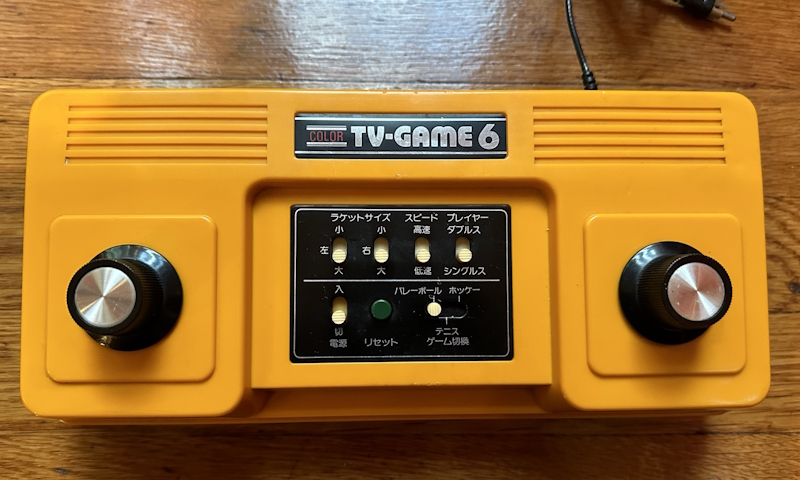
The Color TV Game 6 is the iconic first Nintendo console. Thankfully, mine is not the first, it’s the later CTG-6V, so it should be much more playable.
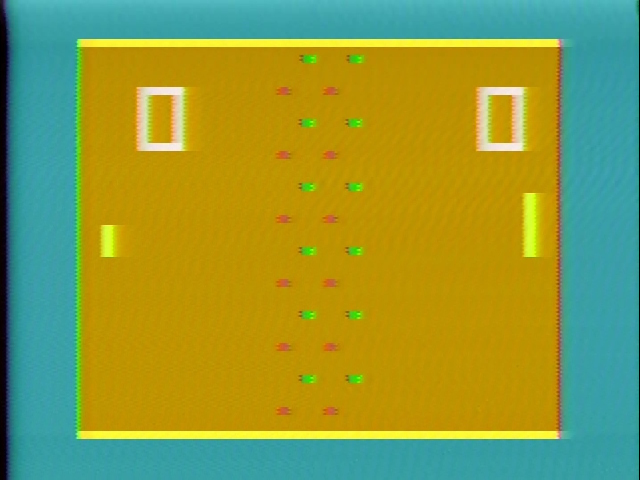
My past attempts to take screenshots of this console and its 15-game sibling didn’t turn out that great, with a lot of distortion. This was using a generic AV box; so let’s see if the Legacy RF can handle this any better.
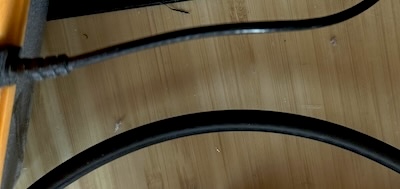
One major downside here is that the Color TV-Game 6 has a built-in cable. Therefore, I won’t be able to use my own nicer one like I could for the Atari 130XE. Honestly, this cable feels thin and weak too. Here’s a quick side-by-side comparison.
And like I was afraid of, unfortunately there is still a lot of noise in the output. You can’t really blame the upscaler for that. I suppose a cable mod would be a lot easier than a composite mod, at least.
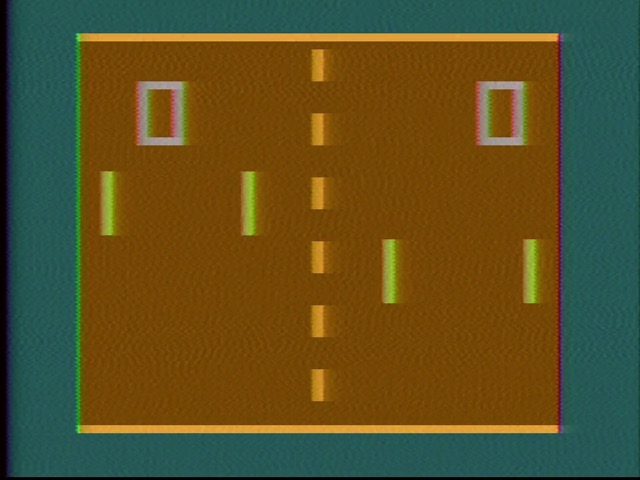
In fact, you can really tell it’s the cable’s fault because just moving around the cable, with no impact on the console, causes a lot of distortion and even a brief signal dropout. Also, enjoy some beautiful beeping audio– American Pong-consoles usually had a separate speaker for that!
It’s worth noting that for Japanese consoles like this, you want to search for NTSC-M. You may have heard of NTSC-J, but that’s a matter of how the signal is to be interpreted; the channel layout and encoding is still the same, and that’s what the scan is doing.
Hard mode
In October of 2023, I wrote an article on TV Vader, in which I promised a future article on the Epoch Cassette Vision. And in July of 2024, I finally delivered. What took so long? Well, the problem was that the Cassette Vision I wanted to use was this:
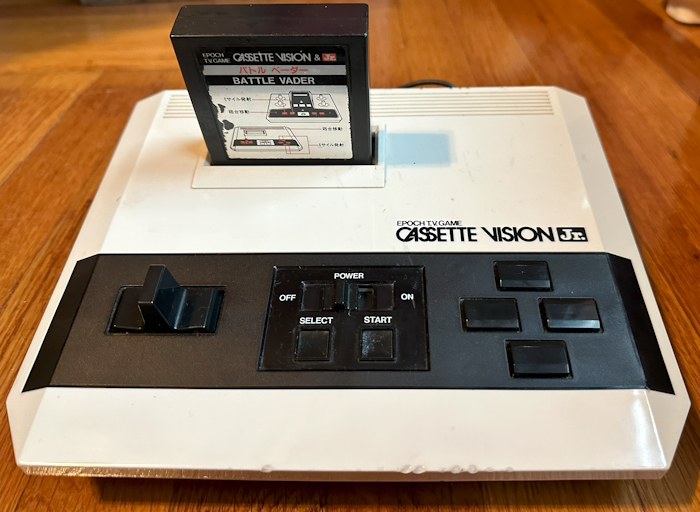
The Epoch Cassette Vision Jr. However, it proved a formidable foe– none of my capture devices could get its signal– though I could see it over an analog TV, my days of television photographing are mostly behind me. But it also resisted a composite mod; the negative voltages make this complicated in a good day, and the Jr.’s circuit board ruined it, providing heavy interference. This interference is probably why it was so hard to capture as well.
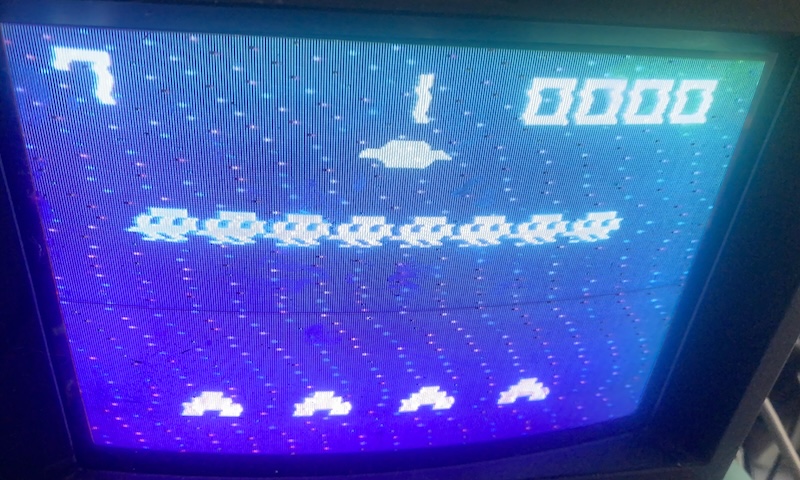
It’s a bit funny; the Cassette Vision has all of the game hardware on the cartridge. The only role the console plays is to provide controls, and to encode the video. The Jr. may have a better control scheme for Pak-Pak Monster, but it fails at the video job. It all worked out; getting a full-size Cassette Vision allowed me to cover Big Sports 12. But can the Legacy AV make it work?
Yet again, the Cassette Vision Jr. has a hardwired cable. I also had to switch to “2ch”. Nevertheless, I got a picture on 98.7MHz, but it’s rough. Scaler mode without framelock is the way to go here. (Plus, the Cassette Vision is interlaced!) It also lacked audio.
Dropping to 97.7MHz using the manual tune got me some audio. Definitely playable in this state, though very wobbly. I might’ve just gone with this for the blog post!
One thing I did notice is that while the picture is wobbly, I don’t see all the weird noise that was in the composite mod attempt. To make sure this wasn’t an artifact of the game (after all, most of the hardware is on the cartridge!) I decided to switch to Battle Vader.
In this case, the game showed no picture on 97.7MHz, but did work with audio on 98.7MHz. I don’t really understand…
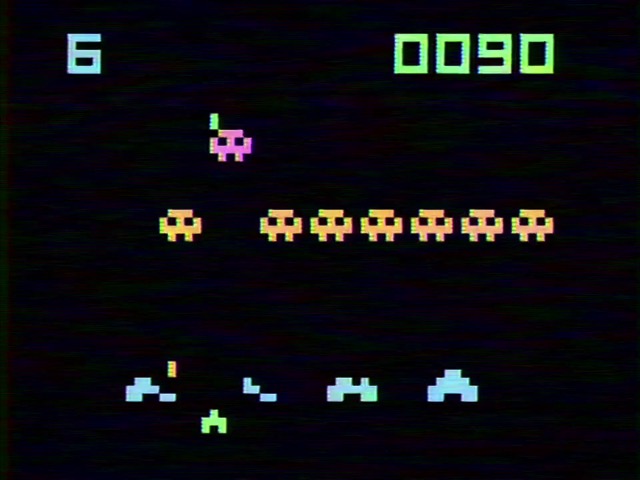
But it didn’t show the noise. My guess would be the inherent filtering that you get looking over the signal over RF gets rid of it, which is why the engineers at Epoch didn’t care about its presence. Perhaps a sufficient low-pass filter would fix things and allow this to be S-Video modded like its larger counterpart? (In fact, perhaps those colored smears are the noise)
Conclusions
So, what’s my opinion of the Legacy AV with RF attachment for the OSSC Pro? I think, combined with the OSSC Pro’s scaler mode, this is probably the best solution I’ve used for RF on vintage consoles, period.
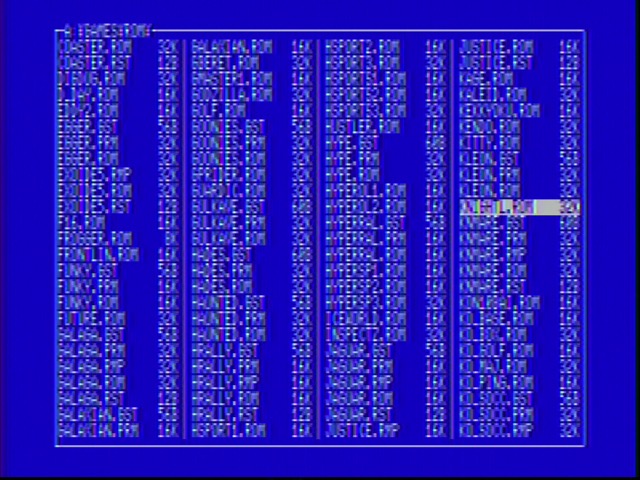
But of course, it can’t do magic. RF is inherently a compromised video format, encoding things for broadcast and mixing audio and video. 80 column text is right out. But on a good day, with a powerful signal and a high-quality cable, the RF mode comes pretty damn close to composite. And I’d say that’s great. (Do need to tweak those colors, though) Thanks to Matt Buxton at VGP for sending it my way!
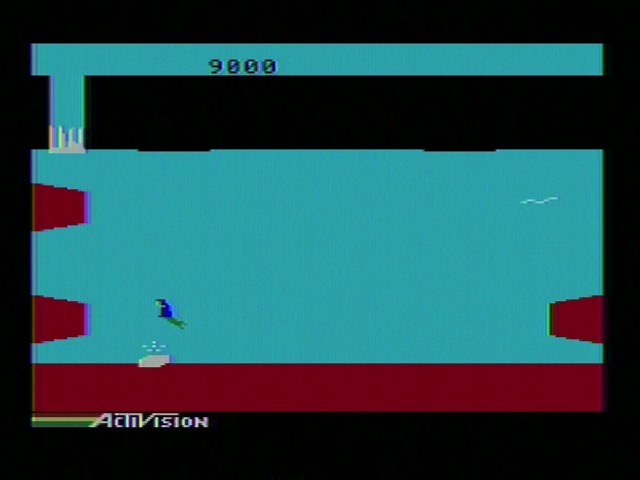
But seriously Nicole your Panasonic FS-A1F has RGB, just use that.